Key Concepts
Understand the core concepts of Link AI including agents, channels, knowledge base, and actions.
Understanding these core concepts will help you get the most out of Link AI.
Agents
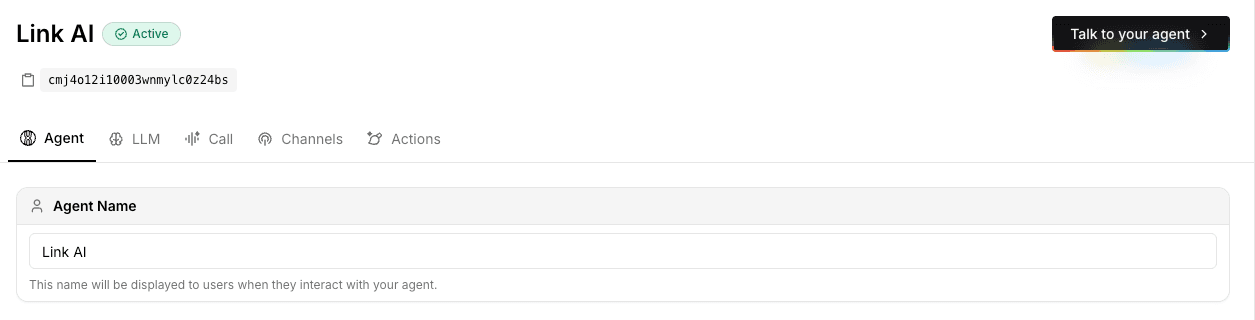
An agent is your autonomous AI assistant that interacts with customers on your behalf. Each agent has its own configuration, knowledge base, and set of tools. You can create multiple agents for different purposes, such as one for customer support, another for sales, and another for lead generation.
Agents are configured with:
- A system prompt that defines their personality and behavior.
- A knowledge base that grounds them in your company's information.
- Modules and tools that allow them to take action and help your business grow.
- Channel settings that determine where they meet your clients.
- Agent Vision (optional) to process and understand images sent by customers.
Knowledge Base
Your knowledge base is the information your agent searches when a customer asks a question. You group related content into sources, then add entries as files, website crawls, or text. Everything becomes editable text, indexed with semantic search.
- Create a source for a topic, such as product docs or support policies.
- Add PDFs, Word files, spreadsheets, crawled pages, or pasted text.
- Edit any entry, or ask Ally to optimize it for retrieval.
- Train the source, then assign it to an agent.
Product catalogs live in Orders, not in the knowledge base. See Knowledge Base.
Actions and Modules
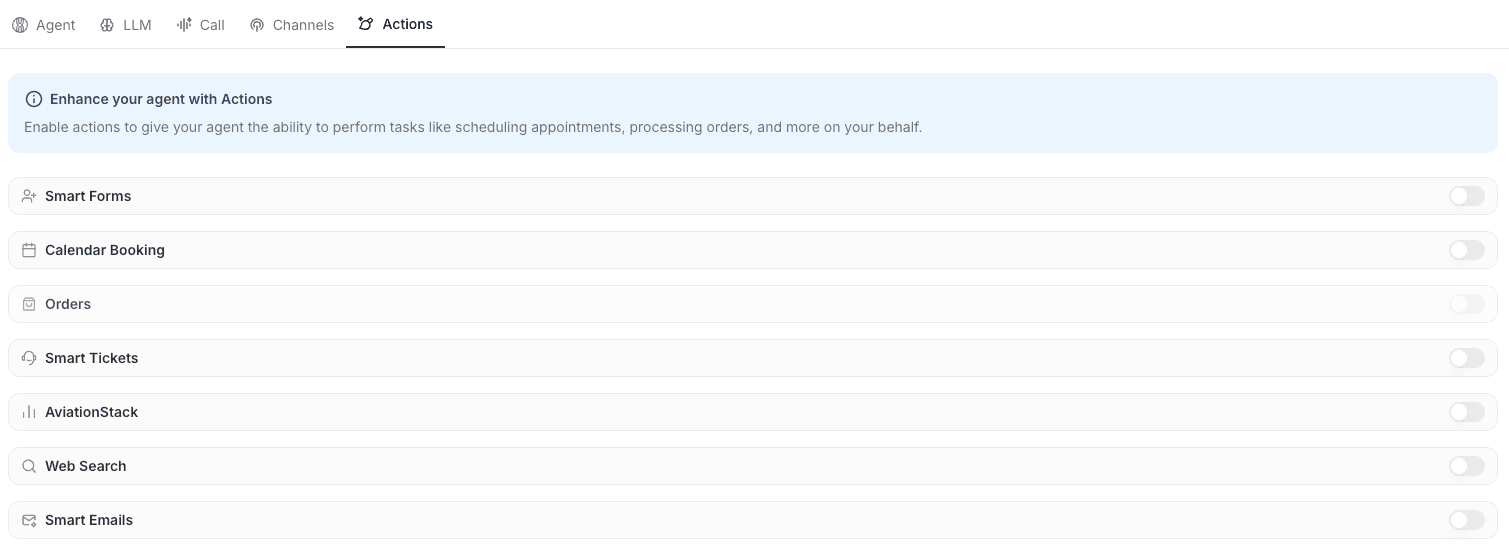
Actions are tools that enable your agent to take action beyond just answering questions. They are the modules that help your business grow by automating complex tasks. Common actions include:
- Smart Forms: Collect structured information from customers.
- Smart Tickets: Create support tickets for human escalation.
- Calendar: Check availability and book appointments.
- Orders: Process product orders and payments.
- Email: Send emails on behalf of your business.
- Ally Docs: Documents, decks, and workbooks Ally creates for you.
- Pages: Public branded chat links at
pages.getlinkai.com/@handle.
Channels
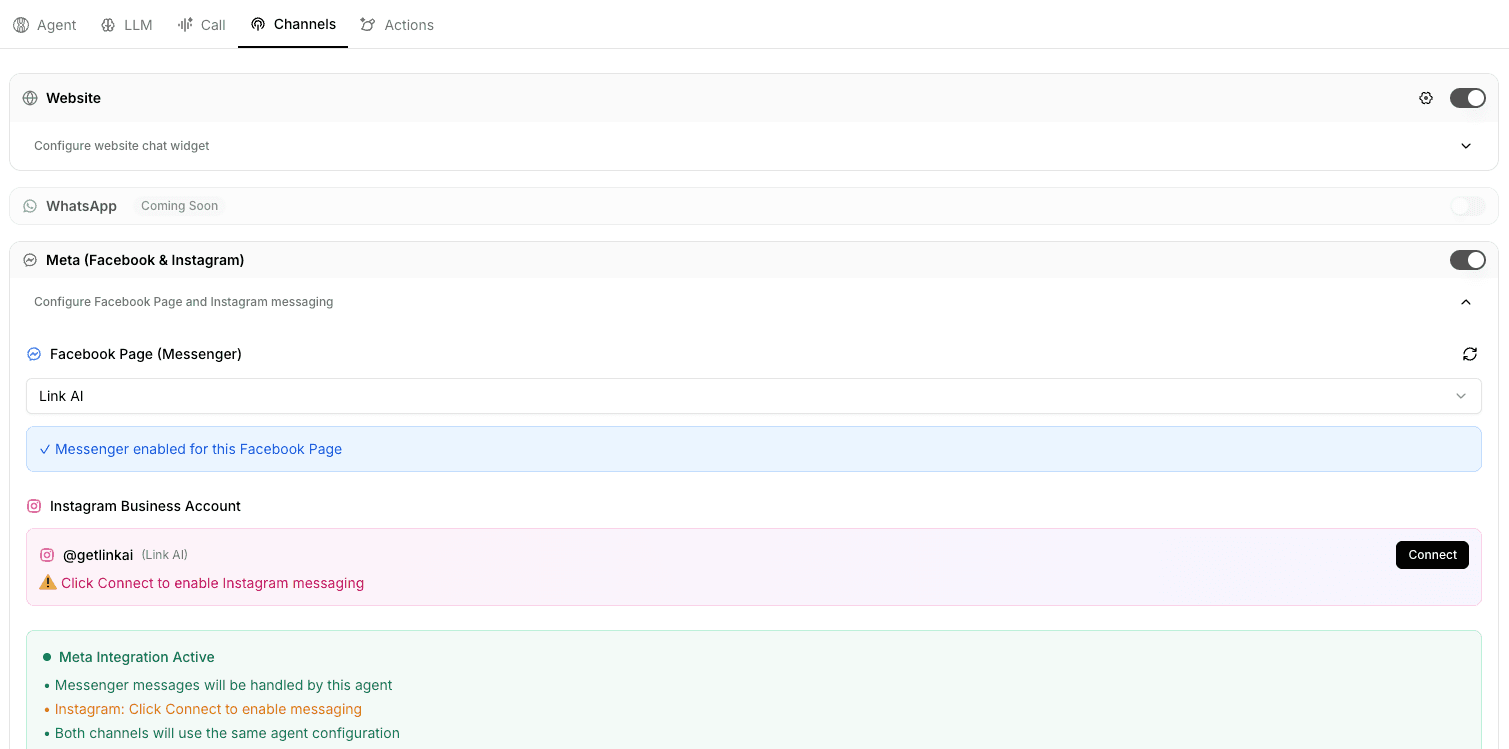
Channels are the different platforms where you meet your clients. Your agent provides a consistent experience across all available touchpoints:
- Phone: Assign a dedicated phone number to your agent for voice interactions and call forwarding.
- Web Chat: Embedded chat widget on your website with mandatory domain security to prevent unauthorized use.
- Web Calls: Real-time voice calls directly through your website.
- WhatsApp: Direct messaging via WhatsApp Business.
- Messenger: Facebook Messenger integration.
- Instagram: Direct messages on Instagram.
- SMS: Text messaging support.
- Slack: Team messaging via DMs, @mentions, threads, and
/ally. Configured in Integrations with Ally or one agent as the responder. - Outlook: Microsoft mailbox replies. Connect from Integrations, then enable Outlook on the agent Deploy tab.
Each agent can be enabled for multiple channels, delivering value back to your business without extra effort.
Security Note: For web-based channels (Web Chat and Web Calls), Link AI requires you to whitelist the domains where your widget will appear. This critical security measure prevents unauthorized usage and protects your business information.
Agent Models
Link AI doesn't use typical individual models. Instead, we use agent models: intelligent combinations of multiple LLM models from different providers, optimized for specific use cases. Each agent model automatically routes requests to the best underlying LLM model based on the task, ensuring optimal performance, speed, and cost-effectiveness.
We offer four agent models:
- Link Core Smart: Optimized for complex reasoning and accuracy
- Link Core Fast: Optimized for speed and efficiency
- Link Health Smart: HIPAA-compliant model for healthcare applications requiring accuracy
- Link Health Fast: HIPAA-compliant model optimized for fast healthcare interactions
Choose the agent model that best fits your needs based on your priorities: speed, quality, or healthcare compliance.

Threads and Conversations
Every interaction with your agent creates a thread, which is a conversation history that maintains context throughout the customer's journey. Threads enable your agent to:
- Remember previous messages in the conversation.
- Reference earlier information provided by the customer.
- Maintain context across multiple interactions.
- Provide personalized responses.
Unified Inbox
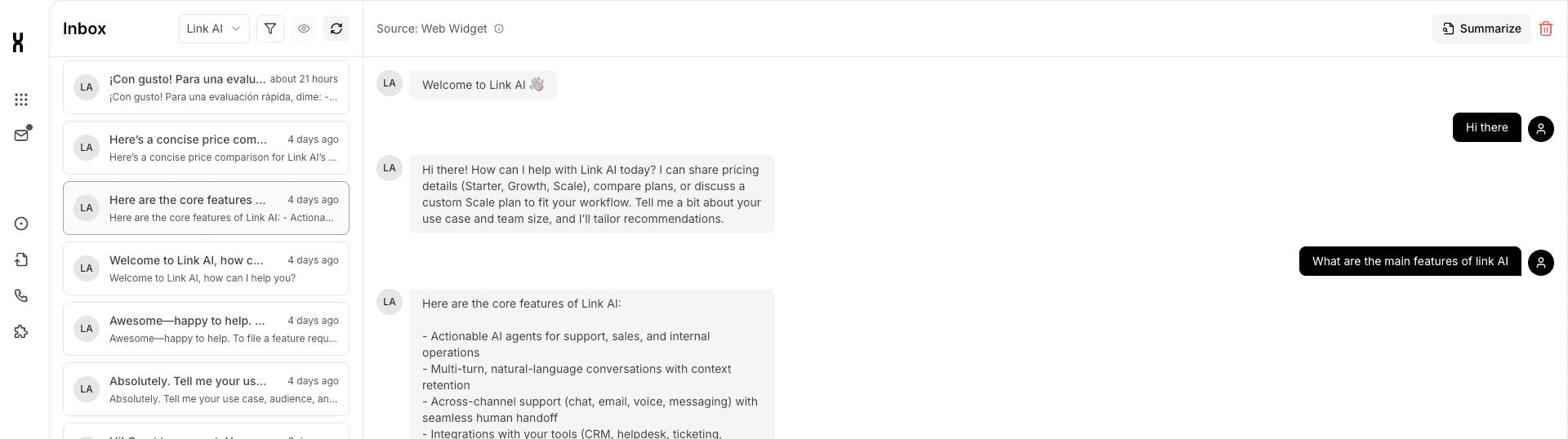
All conversations from every channel are managed in a single, unified inbox. Whether customers reach out via Phone, Web Chat, WhatsApp, Messenger, Instagram, SMS, or any other channel, all conversations appear together in one place. This unified inbox allows you to:
- View all customer interactions across all channels in a single view.
- Maintain conversation context regardless of which channel the customer uses.
- Respond to customers seamlessly, even if they switch between channels.
- Track and manage all customer communications from one central location.
Workspaces
Workspaces let you organize your AI agents, contacts, calendars, phone numbers, and integrations into separate projects or teams. Each workspace is a container for all your business data in Link AI, with its own:
- Independent billing: Each workspace has its own plan, trial, and payment method
- Team collaboration: Invite members and assign role-based permissions (Owner, Admin, Member, Viewer)
- Isolated data: Agents, contacts, and usage in one workspace don't affect another
- Separate projects: Keep personal projects, client work, or different brands isolated
This makes it easy to manage multiple businesses, client projects, or separate teams within a single Link AI account. Learn more about Workspaces.
Next Steps
Now that you understand the key concepts, learn how to Build Your First Agent to put these concepts into practice.