Get started
Welcome to Link AI
AI for every customer relationship. Agents talk to customers and take action, and your team works alongside them.
Overview
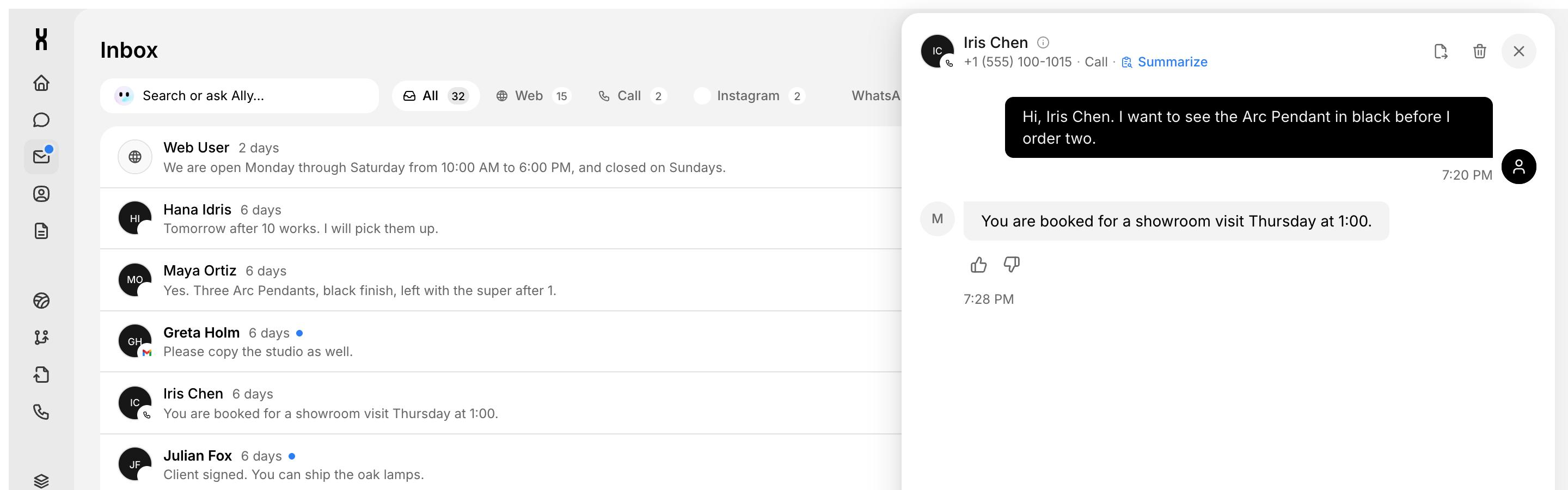
Link AI gives every customer relationship an AI agent. Agents answer calls, chats, and social DMs, then take real actions: booking appointments, taking orders, filling forms, and opening tickets. Work is where those agents and your team share boards, orders, bookings, forms, and one inbox. Ally is your personal agent for running all of it.
Your first agent is live in about 10 minutes. Describe the job or paste your website, Ally builds the agent, and you test it and turn on a channel. No code required.
How Link AI fits together
Talk to customers on phone, chat, and social. Each one has instructions, knowledge, actions, and channels.
Boards, orders, bookings, forms, and an inbox that agents and your team share.
Your personal agent in Chat, on WhatsApp, and on board items. It acts with your role.
What you can build
Answers inbound calls and books appointments. Uses Phone Numbers, Calendar, and the Phone Agent template.
Replies to DMs, answers product questions, and takes the order. Uses Meta, Knowledge Base, and Orders.
Takes orders from your catalog in chat or on WhatsApp. Uses Orders and the Deploy channels.
Asks your qualifying questions and creates an item on a Leads board. Uses Smart Forms, Boards, and Procedures.
Answers from your knowledge and opens a ticket when someone needs a person. Uses Knowledge Base and Smart Tickets.
Covers calls and chats when your team is offline. Uses Phone, Inbox, and every channel you turn on.
Next steps
Build, test, and deploy your first agent in about 10 minutes.
Agents, Work, Ally, procedures, and workflows in one page.
Run your business by talking to your personal agent.
Connect Meta, WhatsApp, Shopify, Stripe, Outlook, Slack, and more.
FAQ
Is there a free trial?
Yes. Every workspace starts with a 14-day free trial. No credit card required.
Do I need to code?
No. Ally builds the agent from a description or your website, and you change everything from the dashboard. Code is only needed if you want to embed the chat widget on your own site, and that is a copy and paste.
What is the difference between agents and Ally?
Agents talk to your customers. Ally talks to you and your team: it gives briefings, drafts email, builds agents, and updates your workspace with your role. Ally asks for your approval before it sends anything.