Agents
Procedures
Turn your SOPs into step-by-step instructions your agent follows when a condition is met or something happens on a board.
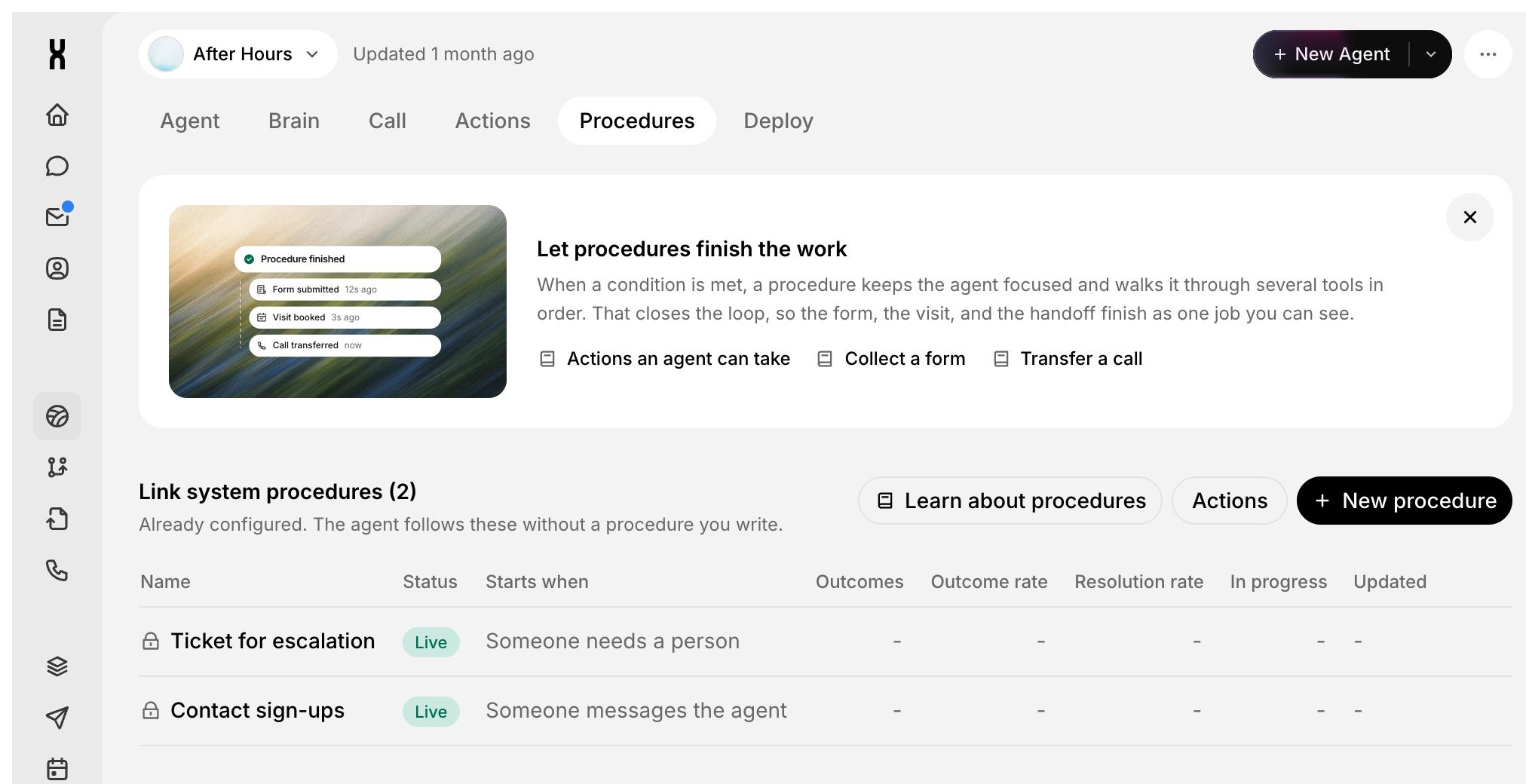
A procedure is a set of step-by-step instructions your agent follows when a condition is met or something happens on a board. It keeps the agent focused and walks it through several tools in order, so the form, the visit, and the handoff finish as one job you can see.
Use procedures for any process you would hand a new teammate as a checklist: qualifying a lead, booking a visit, escalating a complaint.
When to use a procedure
System procedures
Every agent comes with two system procedures. They are already configured, and the agent follows them without you writing one.
Create a procedure
You should see the procedure in the list with the status Live and the condition under Starts when.
Approvals
Add an approval step when a person must sign off before the agent continues, like a discount or a refund. Name the teammates who can decide. They approve or reject on the board item or by link, and the agent continues with the result.
Statuses and metrics
Each procedure has one of three statuses:
The list shows how each procedure performs:
Filter the list by status, or sort by Recently updated.
Procedures on boards
Every board item has a Procedures panel that shows which procedures use that board. If none do, the panel says so and points you to an agent's Procedures tab. See Boards.
Example: Book a showroom visit
This is a sample procedure to show the shape of good instructions. Tool and field names in your workspace may differ.
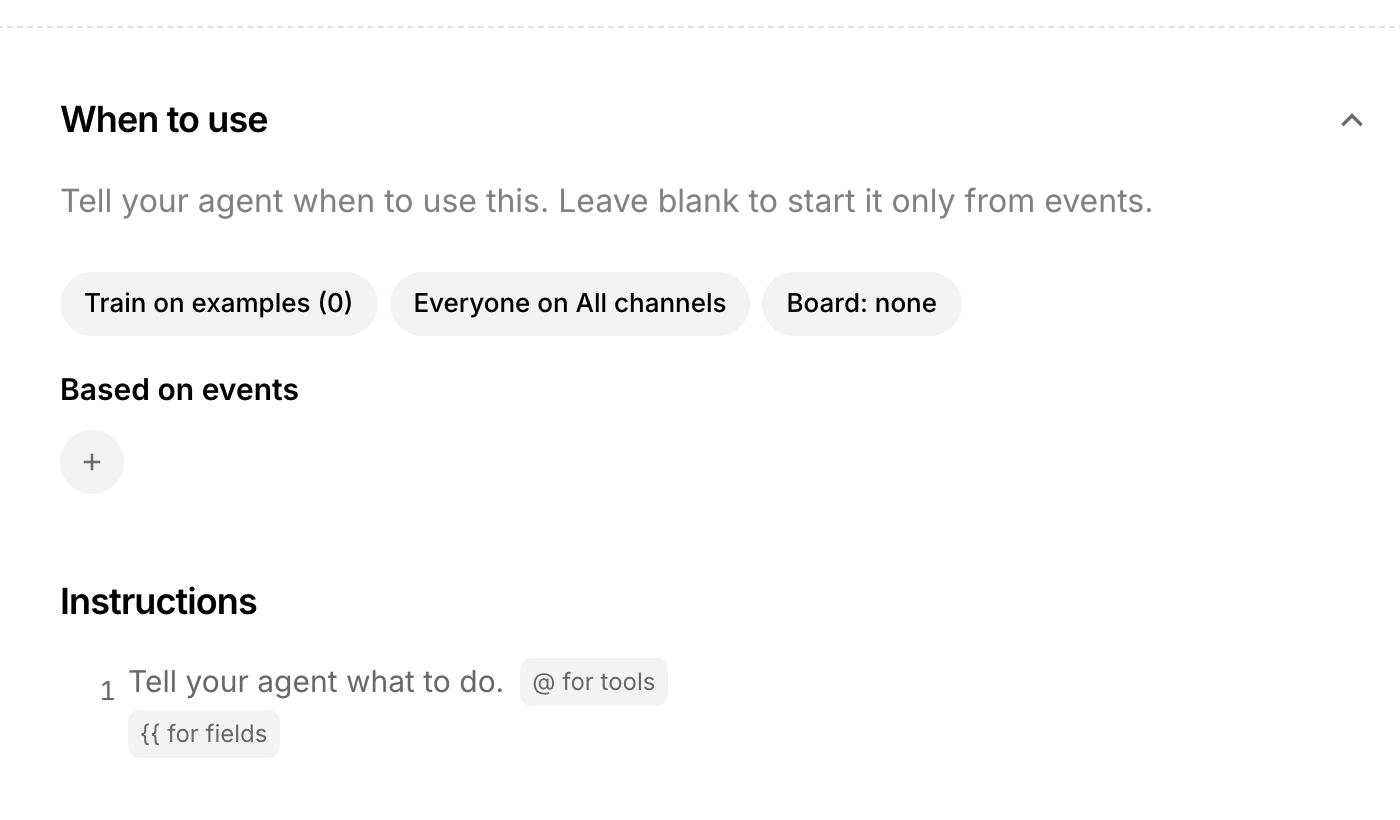
When to use: The customer wants to see a product in person or asks to visit the showroom.
Instructions:
- Ask which product the customer wants to see and confirm {{customer name}} and {{phone number}}.
- Use @Smart Forms to collect the visit details: product, preferred day, and number of visitors.
- Use @Calendar to check showroom availability and offer the customer two open times.
- If the customer asks for a private after-hours visit, request approval from the showroom manager before you confirm.
- Book the chosen time with @Calendar, then confirm the date, time, and address to {{customer name}} in one short message.
Best practices
- One job per procedure. Split a long process into two procedures instead of one with many branches.
- Write the condition the way customers talk. "Wants to visit the store" works better than an internal code.
- Name the tool in each step. Use @ so the agent knows exactly which tool to call.
- Put approvals where money or risk is. Discounts, refunds, and exceptions are good places for a sign-off.
- Test before every publish. Run simulated conversations for the happy path and at least one edge case.